
Offroad Jeep Simulator:
how to play.
Offroad Jeep Simulator takes the drive beyond the city and onto an offroad course. Follow the route and use the original driving prompts to learn how the jeep responds.
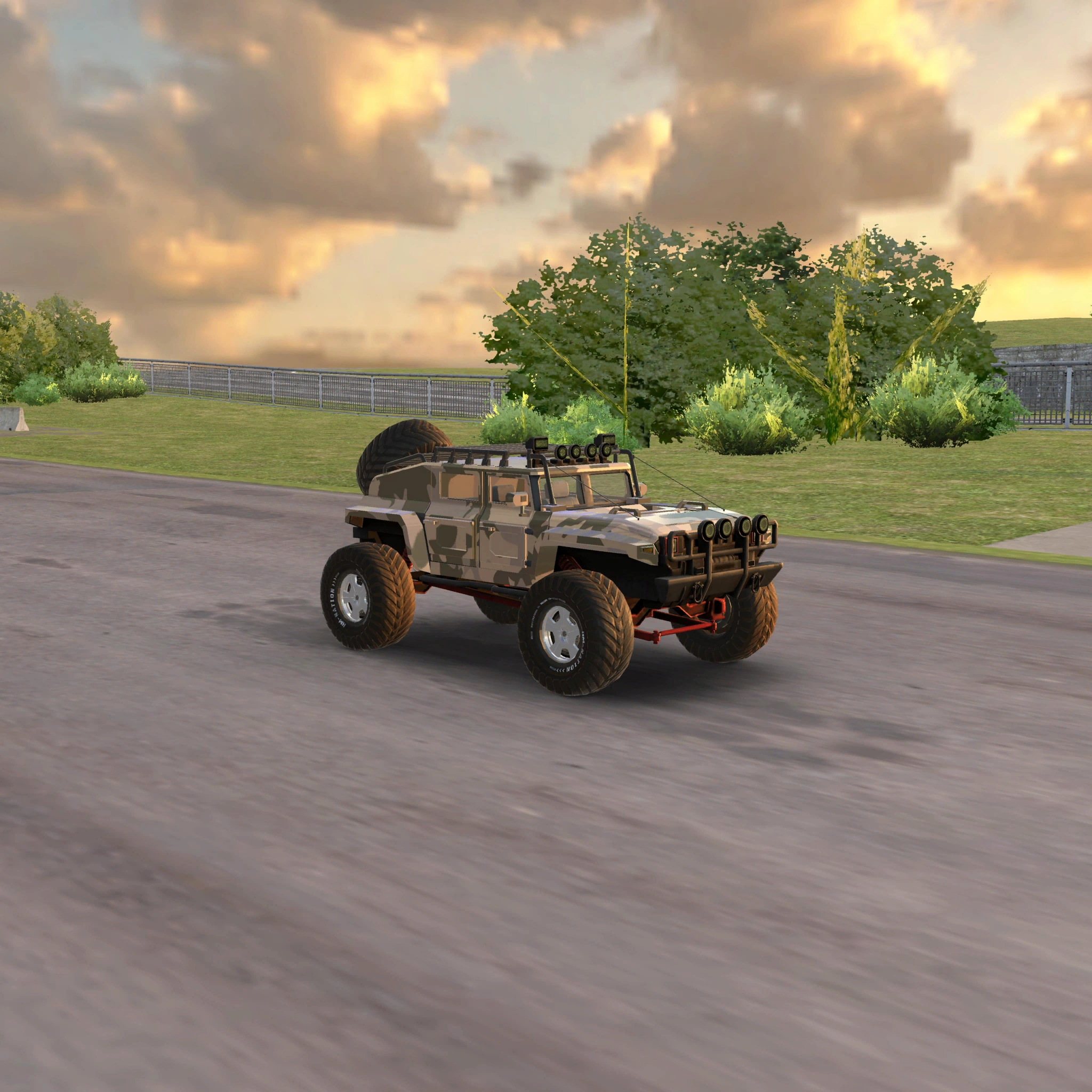 Play Offroad Jeep Simulator ▷
What is Offroad Jeep Simulator?
Take your jeep beyond the city and tackle rugged driving routes. This guide covers the version available in our browser player. The game keeps its original gameplay and on-screen menus.
Controls and player settings
- Use the native driving controls displayed inside the game.
- Follow the route and any on-screen course prompts.
- Click inside the game to focus its controls.
- Open the settings icon for sound and display quality; close the panel to return to play.
How to get started
- Wait for the game to finish loading and read its controls.
- Focus the game area before starting to drive.
- Follow the route through the offroad course.
- Adjust your approach to unfamiliar parts of the course and continue as the native prompts direct.
Tips for a better session
- Begin with deliberate steering so you can learn the response on the course.
- Use the view provided by the game to watch the terrain ahead.
- Use fullscreen when you want a clearer view of the game and its on-screen prompts.
- If performance becomes uneven, try Balanced or Performance in Display quality, then select Apply. Higher rendering resolutions need more graphics power.
Loading, sound and display quality
Let the branded loading screen finish before interacting. The first visit downloads the engine and game assets; browser caching can reduce later downloads. Open the settings icon to turn sound on or off, or select a display quality and press Apply. Try Balanced or Performance if your device struggles. Use fullscreen for more space and click inside the game to focus the controls.
How to play without a download
Open this game on KhelGo and let its browser assets load. No separate installer is needed. Play Offroad Jeep Simulator online.
What to know before playing
This guide does not list specific driving keys, course completion conditions or vehicle unlocks. The native game’s instructions are the reference for those actions.
KhelGo is a browser gaming platform. Game names, graphics, code and other third-party content belong to their respective owners; this guide does not claim ownership or endorsement. Read our Terms, Privacy Policy and rights and content information.
Ready? Play Offroad Jeep Simulator ▷